

Sumly Tutorials — Run Your Cyprus Books, Step by Step
Get set up
The half hour at the start that decides how correct everything after it is.
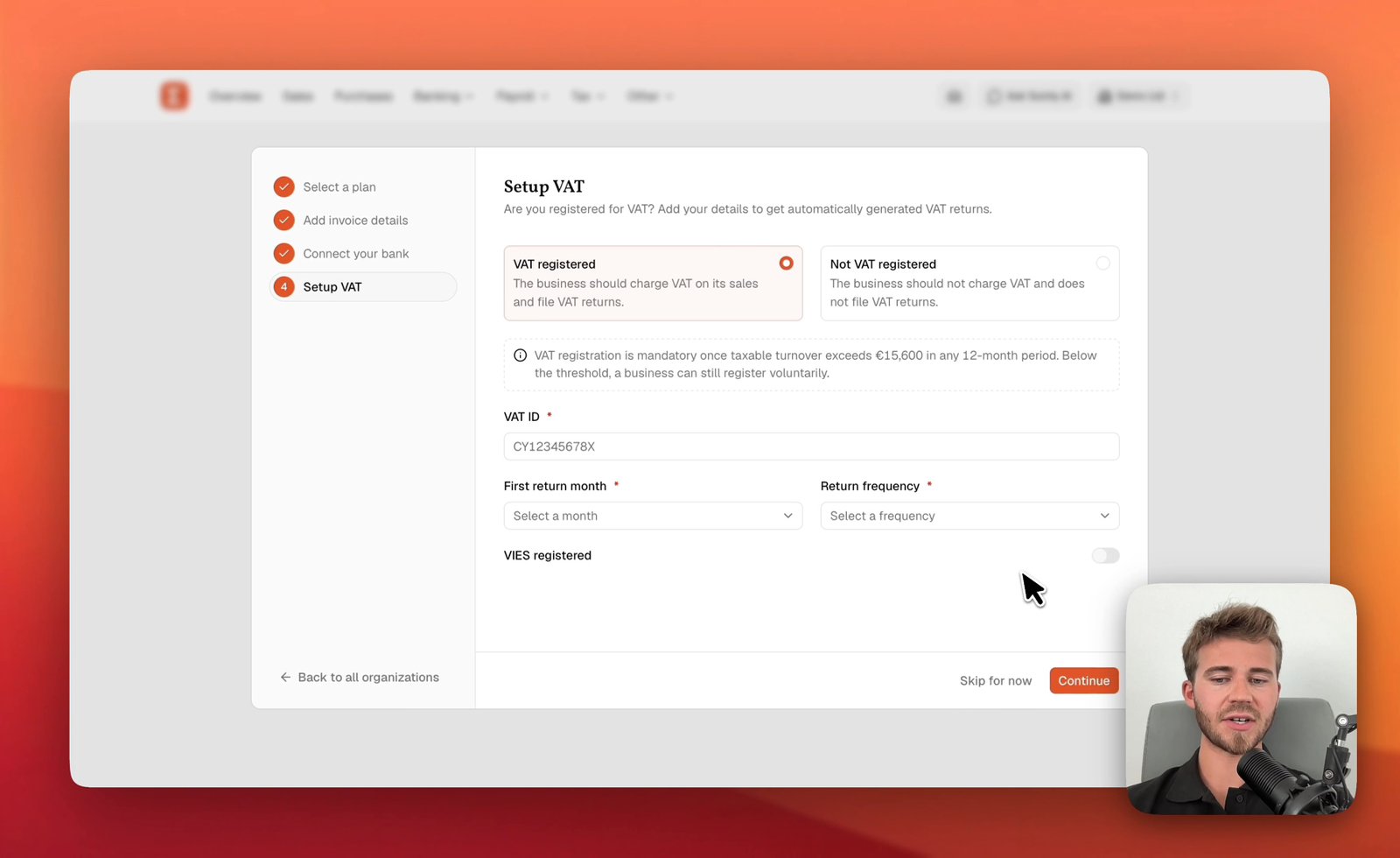
Set up your Sumly account and company
Create your Sumly login, add your company as an organization, and work through the four setup steps: plan, invoice details, bank and VAT status.
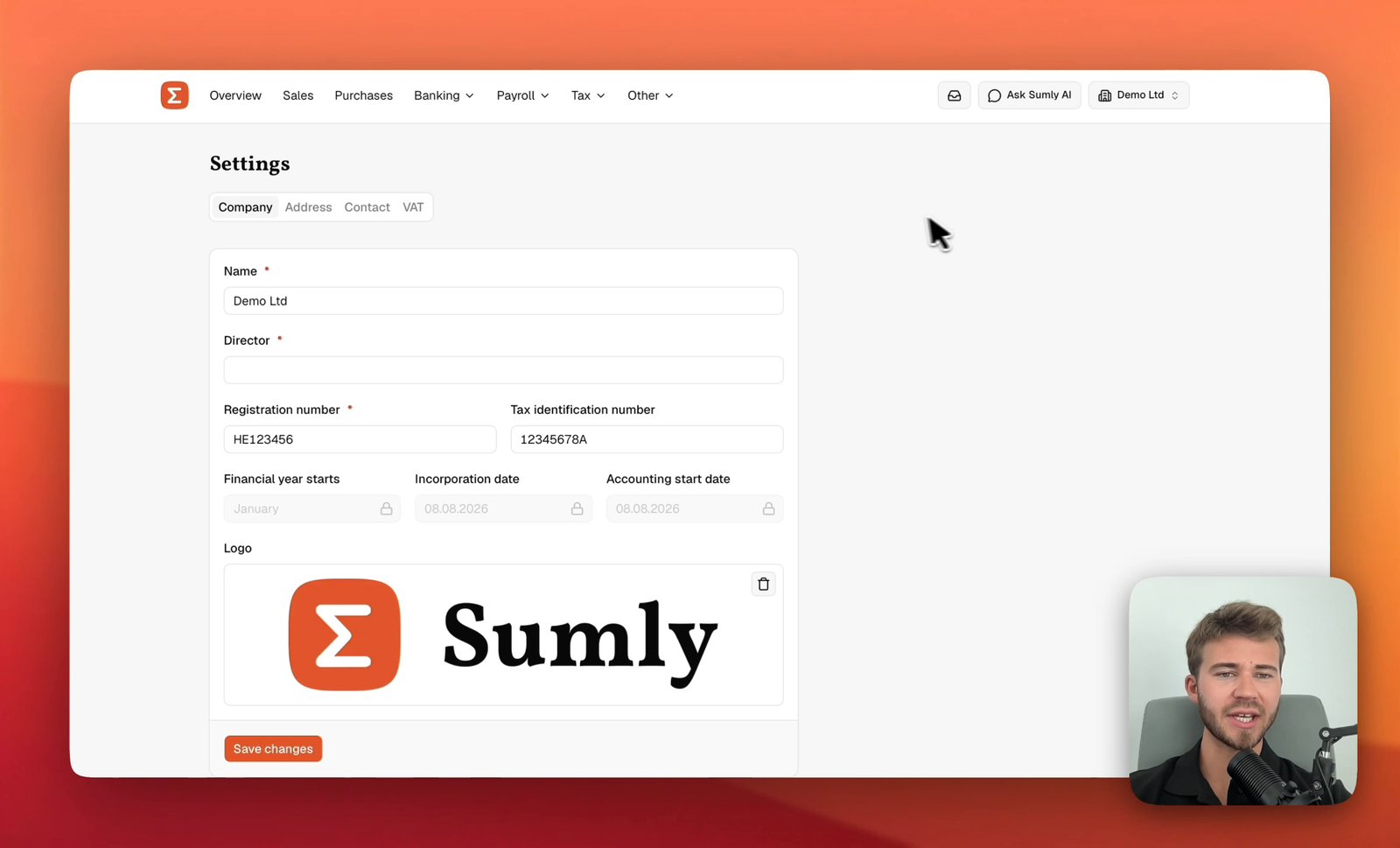
Company details, address and VAT status
Set your company details, address, contact and VAT status across the four Settings tabs behind the organisation switcher — before you enter a transaction.
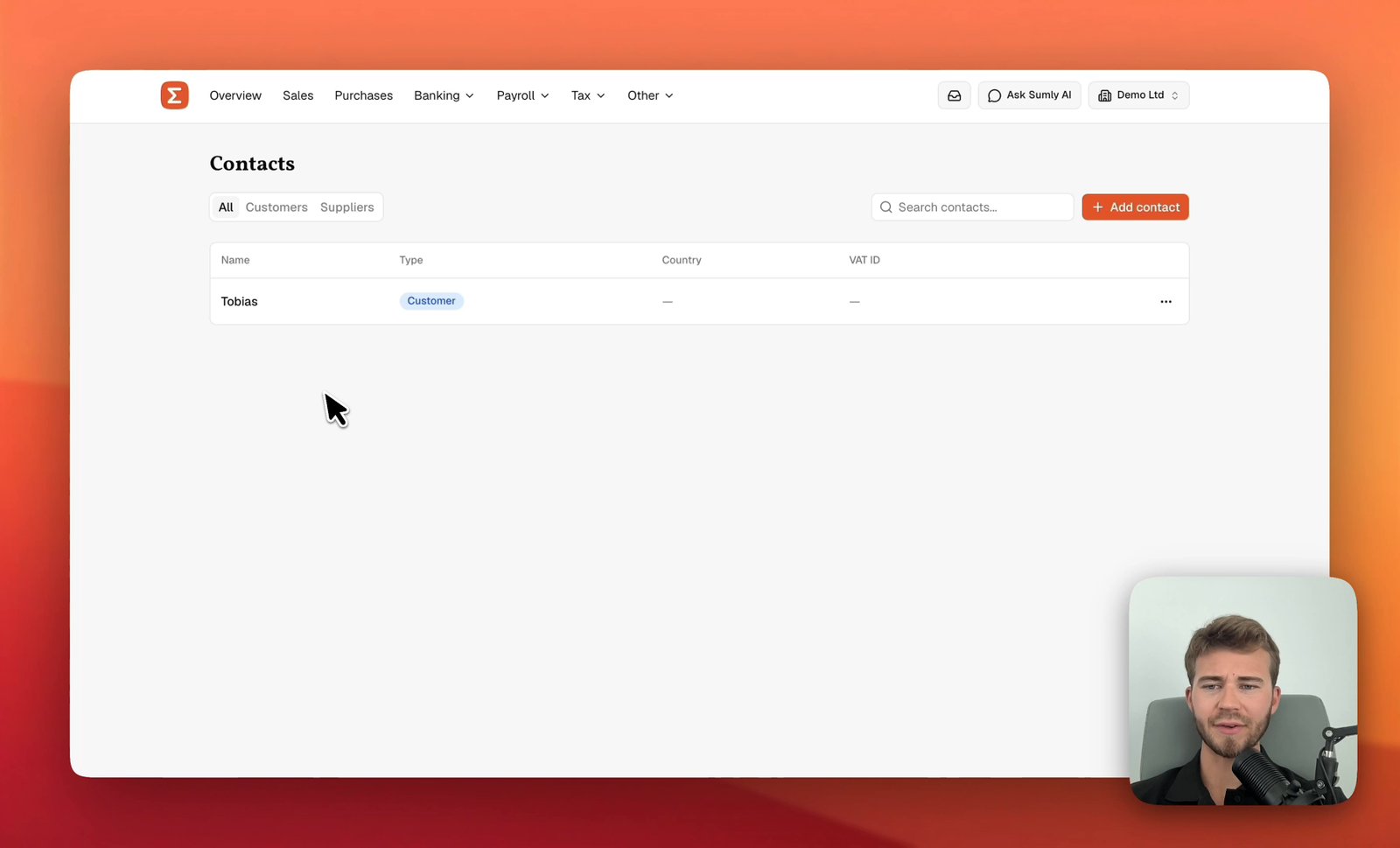
Add a customer or supplier
Create a customer or supplier in Sumly's Contacts list, with its VAT ID, address and the defaults that carry onto its documents, then edit or archive it later.
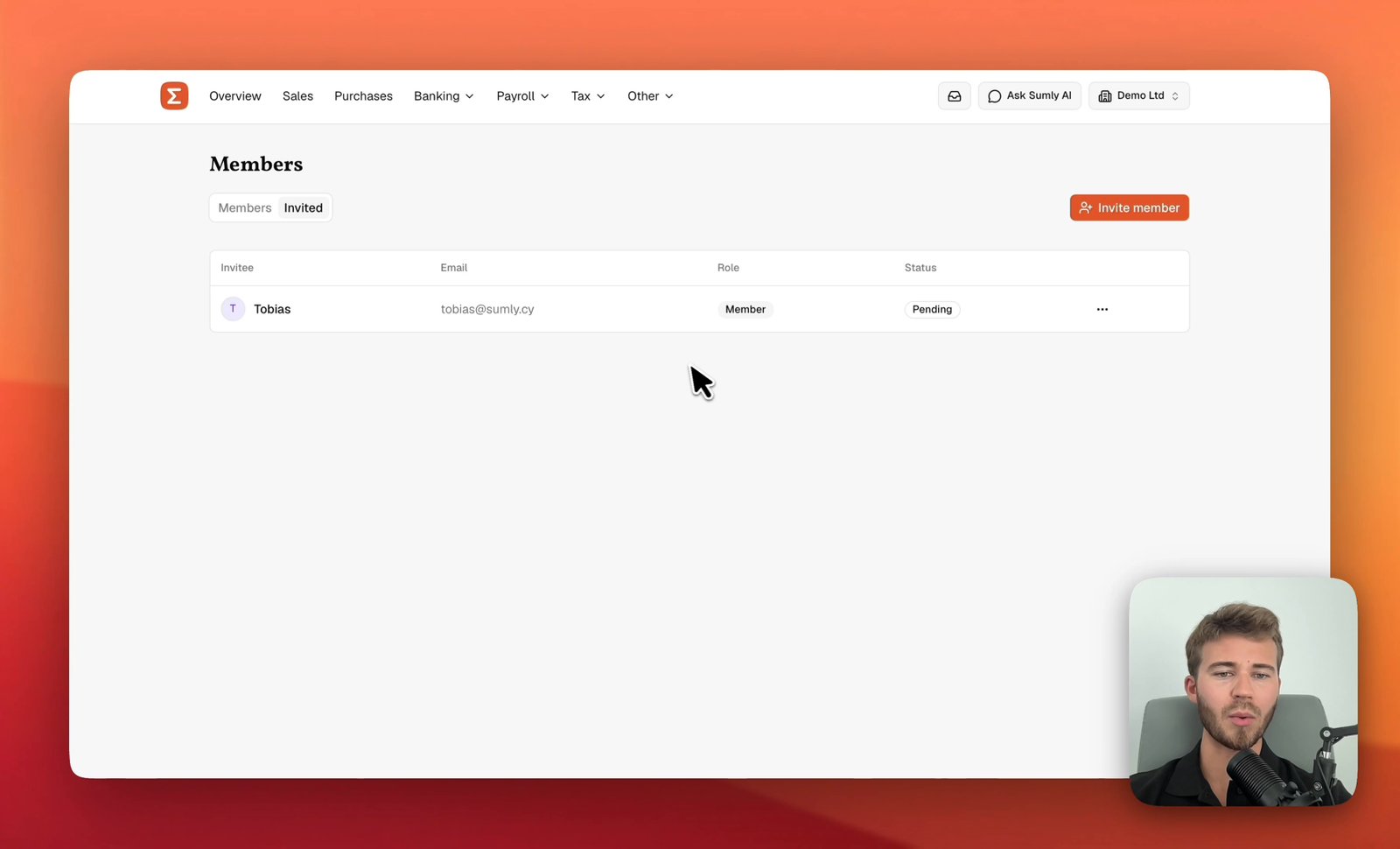
Invite your team into Sumly
Bring a co-founder, a colleague or your outside accountant into your Sumly organisation by email, choose the role they get, and track the invite.

Change your plan, billing period and add-ons
Switch between monthly and yearly billing, move between Base and Premium, turn add-ons on and off, and find your card and invoices in the Stripe portal.
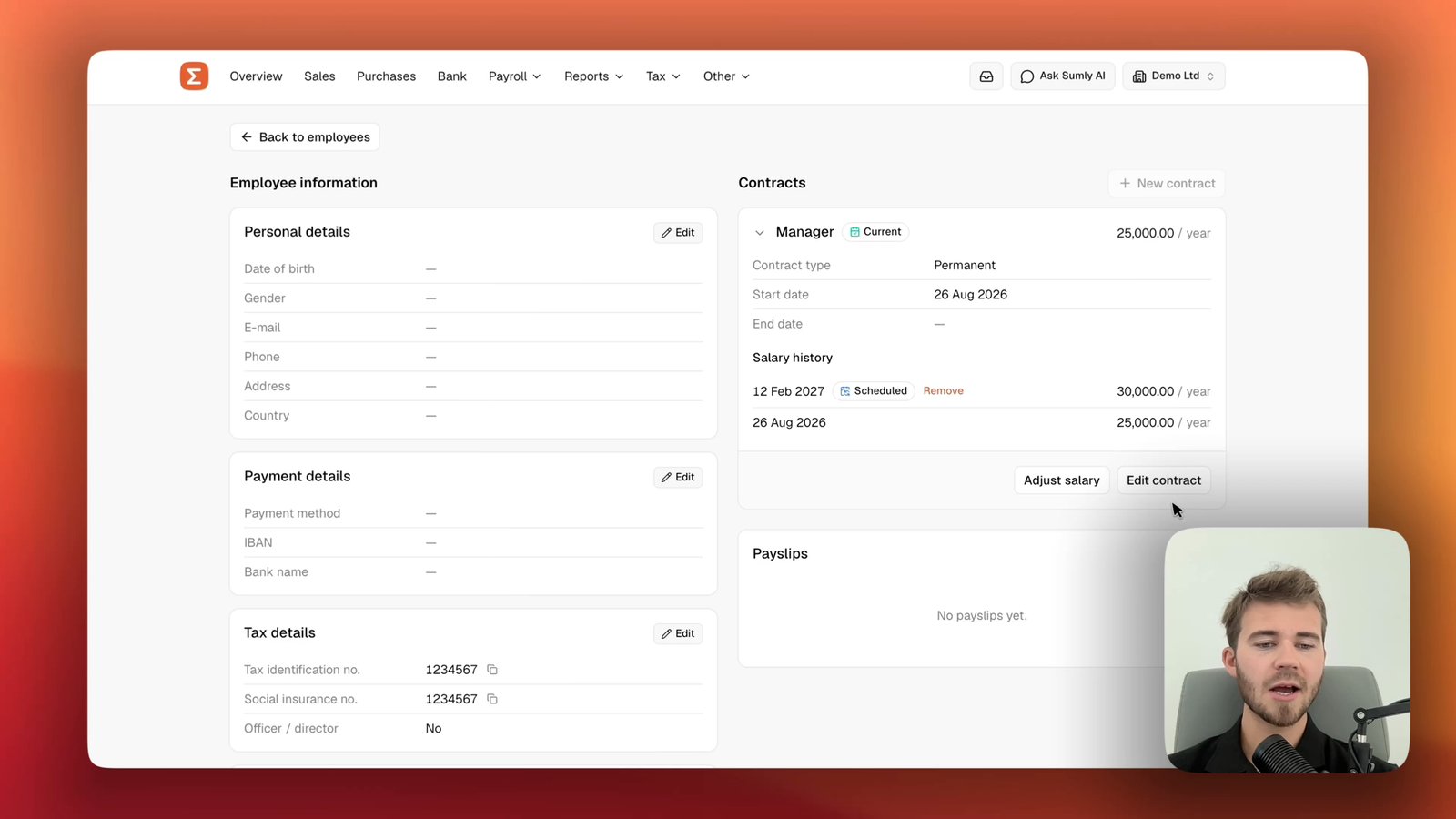
Add an employment contract and adjust a salary
Give an employee their first contract in Sumly, schedule a pay rise for a future date, and close the job with an end date.
Run your month
The everyday loop — documents in, invoices out, bank reconciled by itself.
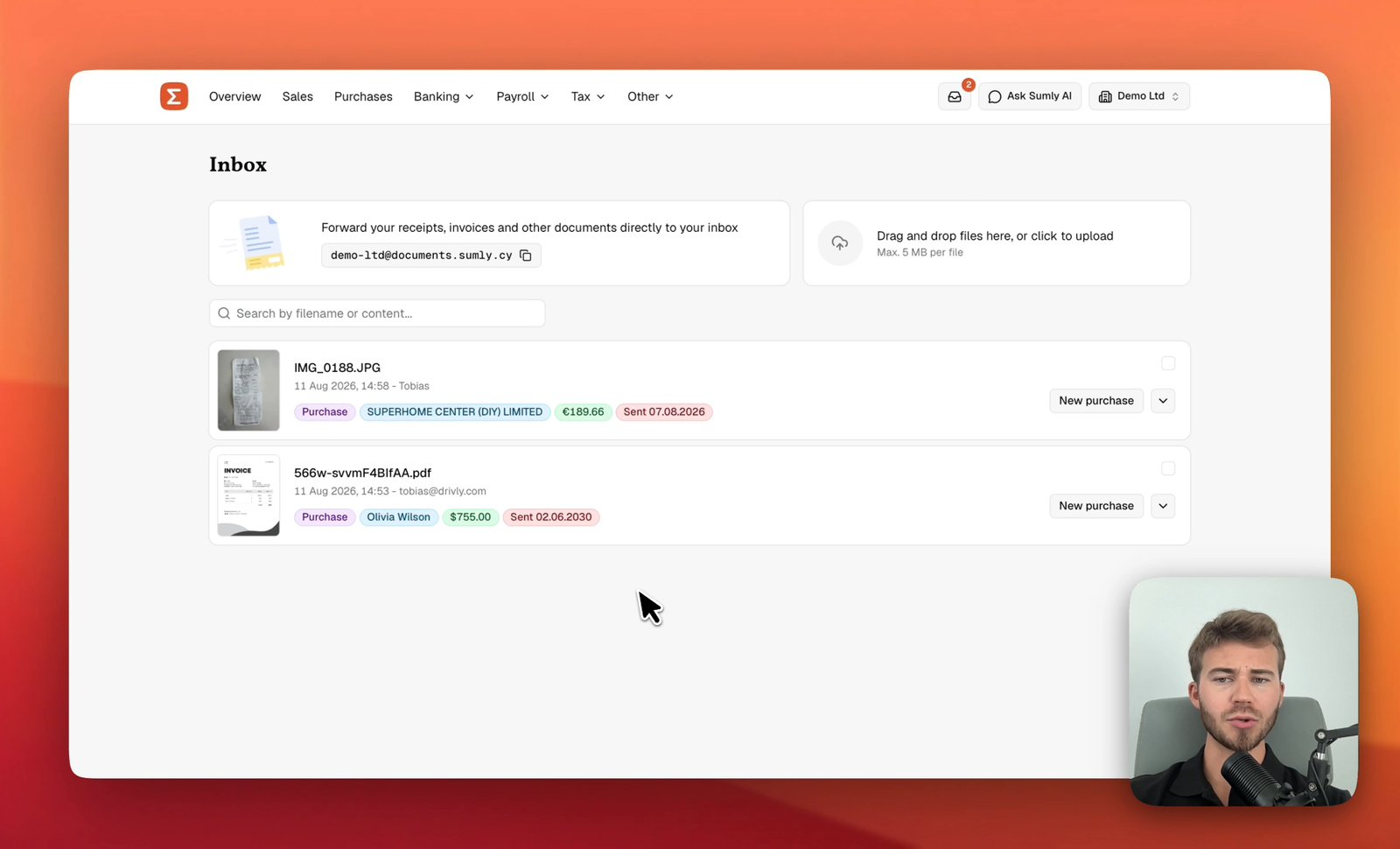
Get receipts and bills into your inbox
Forward supplier invoices to your company's Sumly address, drag receipt photos onto the page, and check the supplier, amount and date Sumly reads off each one.
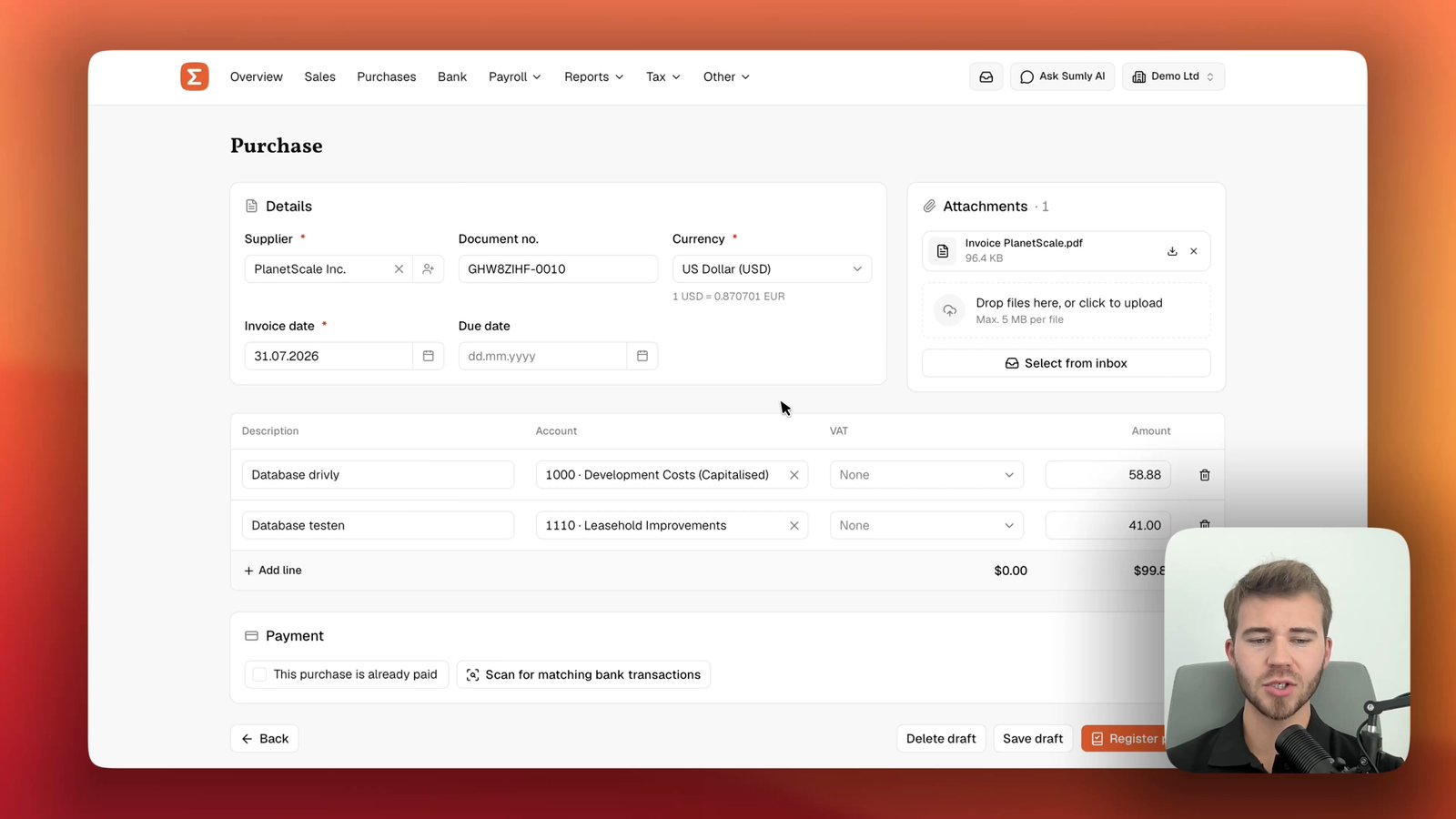
Record a supplier invoice from your inbox
Turn a bill sitting in your Sumly inbox into a posted purchase, coded to the right accounts, checked against the bank and settled with a payment.
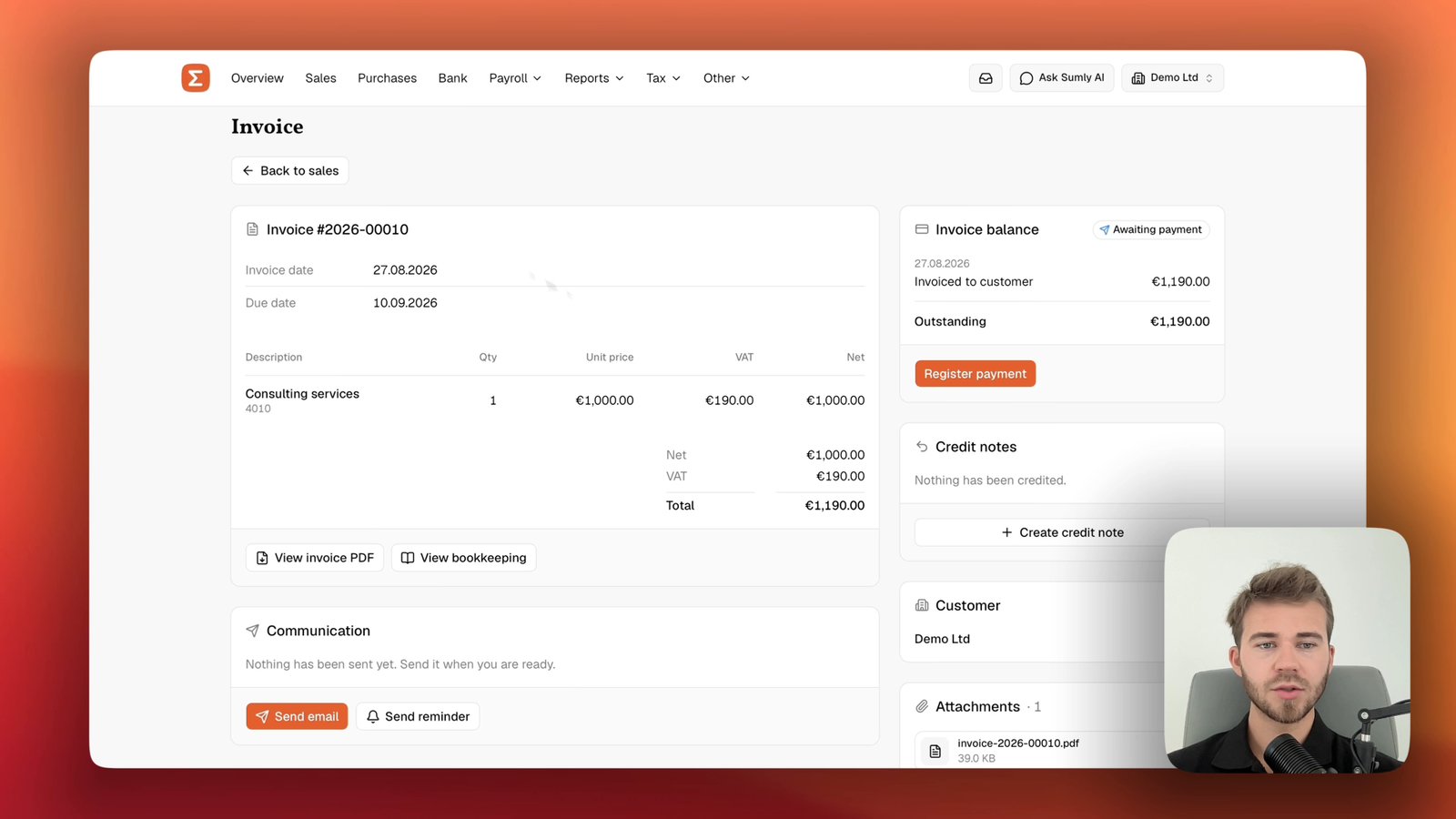
Create and send a sales invoice
Raise an invoice on the Sales page in Sumly, set the terms and the account it is paid into, check the PDF, then e-mail it to the customer.
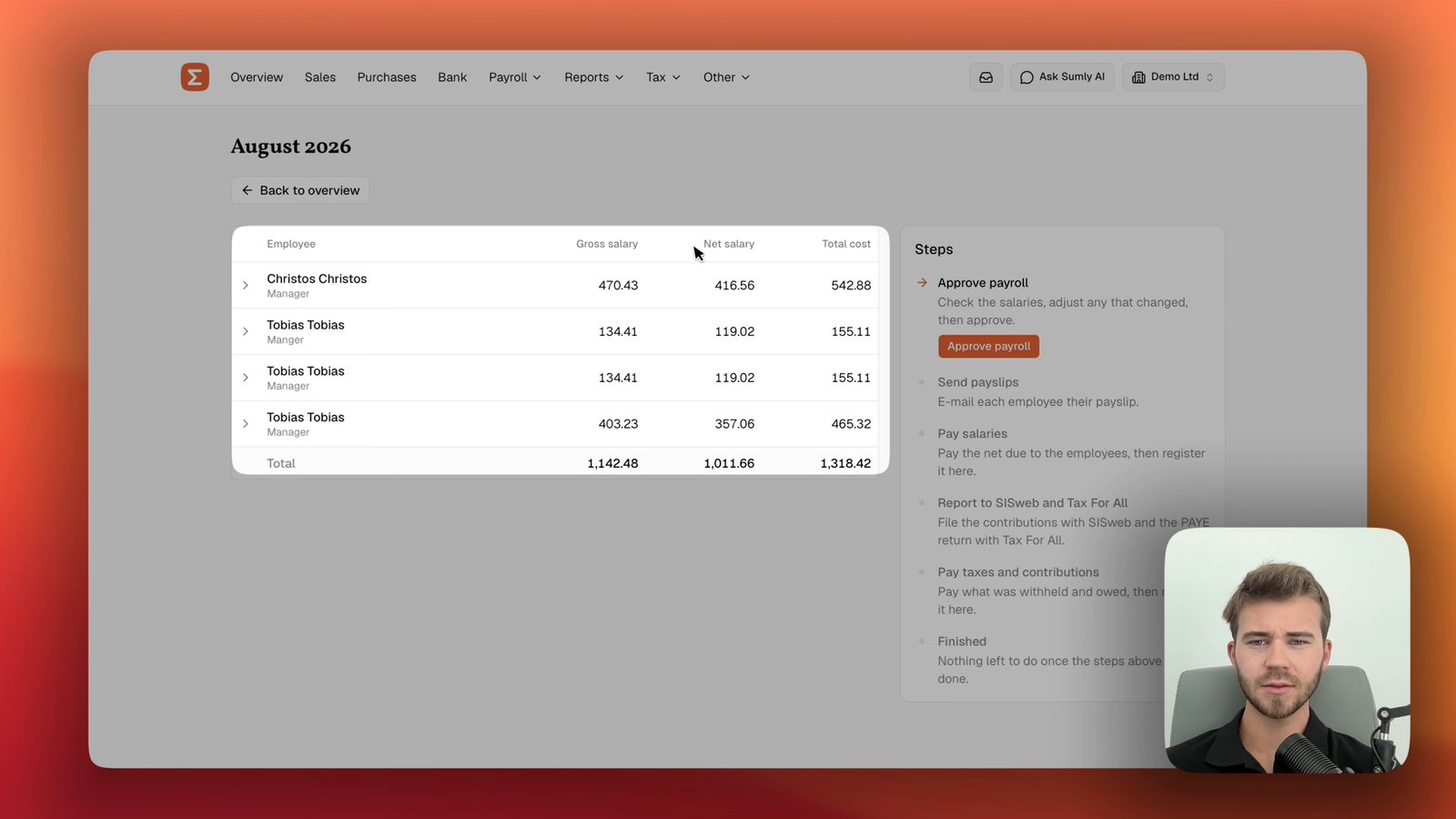
Run a monthly payroll
Take a payroll run from Draft to Completed in Sumly: check salaries, approve, send payslips, register payments, and generate the SISweb and Tax For All files.
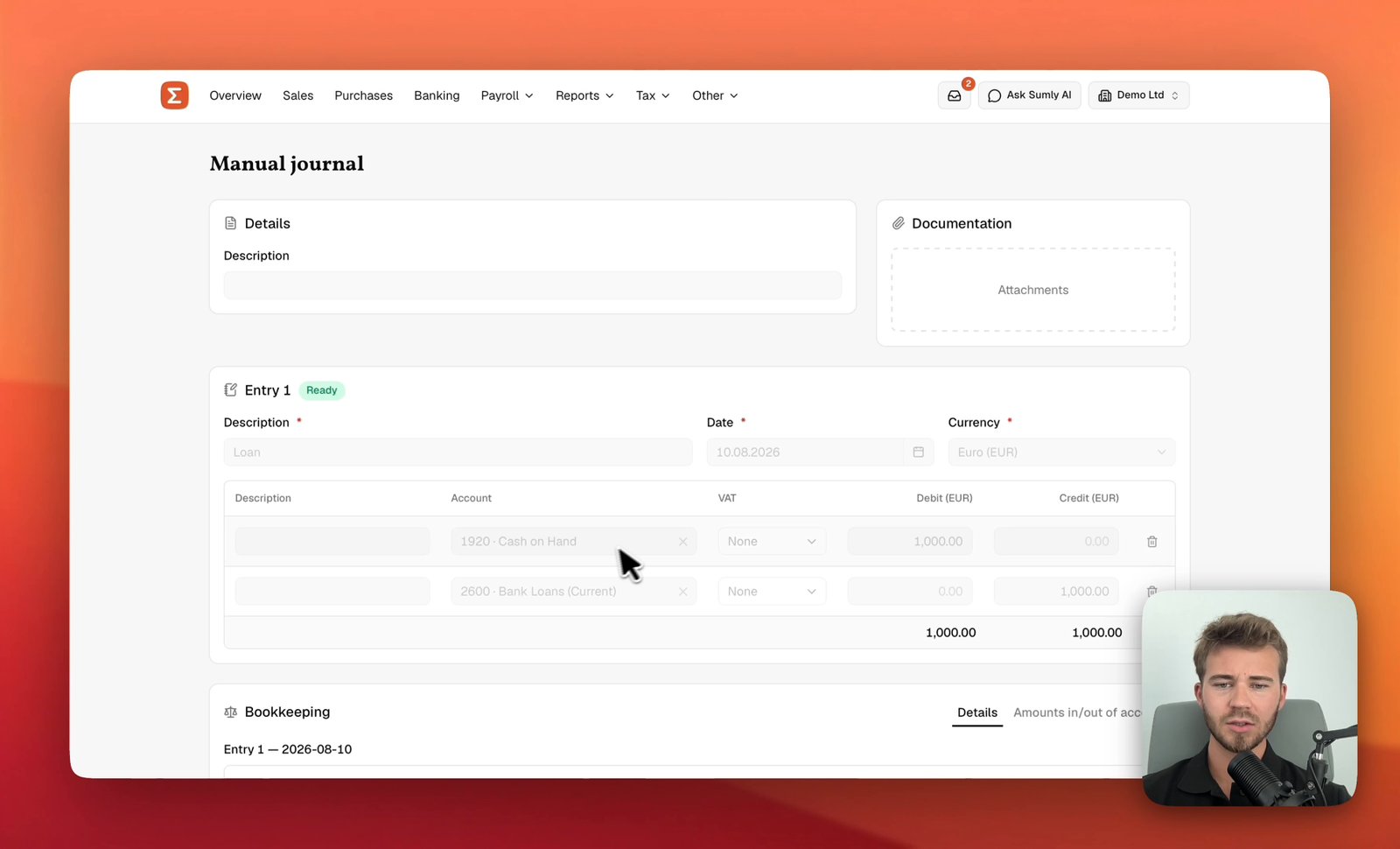
Post a manual journal
Build a balanced double-entry journal in Sumly, check it against the Bookkeeping preview, and post it to the ledger — with the debits and credits explained.