- Inbox
- Bookkeeping
Get receipts and bills into your inbox
Forward supplier invoices to your company's Sumly address, drag receipt photos onto the page, and check the supplier, amount and date Sumly reads from each one.
 Sumly team
- Published
- 1:42 video
On this page5 sections
Bookkeeping starts with paperwork, and paperwork turns up everywhere: a PDF invoice in your email, a card receipt in your jacket, a photo on your phone. In Sumly, all of it goes to the Inbox, by one of two routes. Forward the document to your company's own email address, or drag the file onto the page. The sooner you send things in, the less you chase at month end.
Open your inbox
Click the envelope icon at the top right of the nav bar, near the Ask Sumly AI button and the company switcher. A new company's Inbox says "No documents yet", under the hint "Upload documents above or forward them to your inbox via email." Those are your two routes, and you can use both on the same day.
Email documents to your company address
Every company in Sumly has its own email address on documents.sumly.cy, and files you email there go to its Inbox. Demo Ltd's is demo-ltd@documents.sumly.cy, shown at the top of the Inbox with a copy icon next to it.
Copy the forwarding address
Click the copy icon next to it. Save the address as a contact in your email client so you never have to look it up again.
Start a new message
Paste the address into the To field. You can leave the subject and body empty. The message goes through with both blank.
Attach the document
Attach a supplier's PDF invoice, a scan or another document file. Forwarding the supplier's own email works too. Send photos by drag-and-drop instead.
Send it
Then switch back to the Sumly tab.
Watch it arrive
A few secondsIt's already in the list, with a Processing chip while Sumly reads it, and the envelope icon gets a count badge.
Email is for files. We attached two things to one message, a PDF invoice and a photo of a till receipt, and only the PDF reached the Inbox. That can happen with an image when the attachment isn't a real file the way a PDF is. Send photos the other way. Download the image and drag it onto the page, as the next section shows.
Each card records who sent it. A forwarded invoice shows the sending address, "11 Aug 2026, 14:53 - tobias@drivly.com", so you can tell later where a document came from.
Put the address on your subscriptions
Use it as the invoice or billing email on your business subscriptions too. Every month those invoices arrive in the Inbox on their own and sort themselves out, with nothing for you to forward.
Drag a file onto the page
If the file is already on your computer, skip the email and drag it onto the upload card. This is also the route for photos. The card at the top of the Inbox reads "Drag and drop files here, or click to upload", with "Max. 5 MB per file" underneath. Drop the file on it, or click the card and pick one. The upload icon turns into a spinner while Sumly reads the file. The document then appears at the top of the list with your own name instead of an email address, "11 Aug 2026, 14:58 - Tobias".
Check what Sumly read
When processing finishes, four chips replace the Processing chip: the document type, the supplier, the amount and a date. Sumly sorted the photographed till receipt as a Purchase from SUPERHOME CENTER (DIY) LIMITED for €189.66. Amounts stay in the document's own currency, so a supplier billing in dollars shows $755.00. Sumly doesn't convert it for you.
The date chip isn't the day the file arrived. Both documents arrived on 11 August 2026, but the receipt's chip reads "Sent 07.08.2026", the date printed on the receipt.
Click a document to open it in a larger view and compare the original with what Sumly read from it. Close the panel with the X. It's worth the two seconds on photos, where a fold or a flash can hide a line. You have to keep the original anyway. What records a Cyprus company must keep covers how long, and what a company can deduct covers which receipts are worth chasing.
Common questions
What happens next
Your Inbox now holds read documents with nothing posted behind them. Sumly has done the typing, and you check it before anything reaches the books. Take one card through to a posted entry in Record a supplier invoice from your inbox.
More tutorials.
 0:59
0:59- Inbox
- Bookkeeping
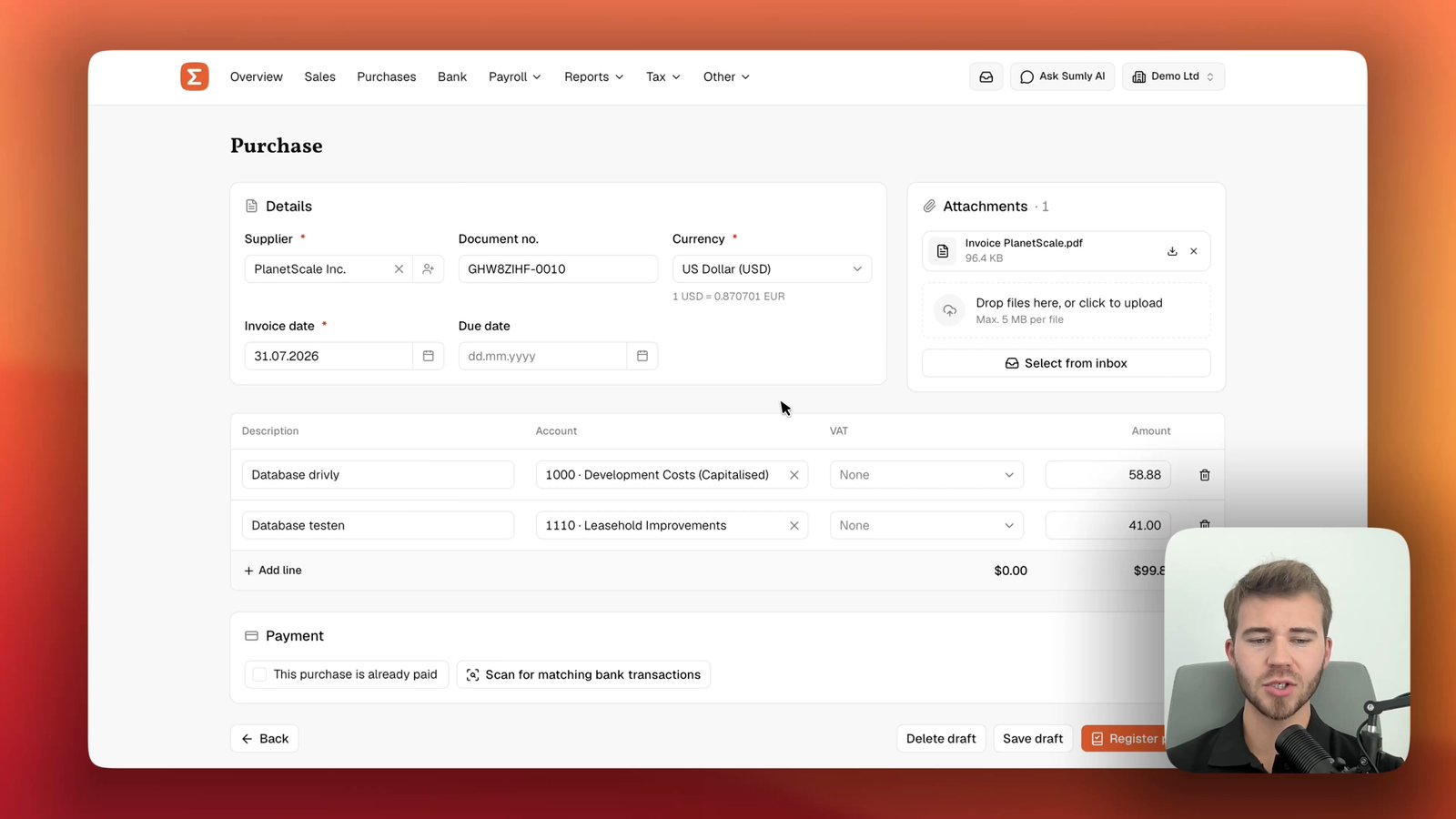
Record a supplier invoice from your inbox
Turn a bill in your Sumly inbox into a posted purchase. Code it to the right accounts, check it against the bank and settle it with a payment.
Sumly team0:59 video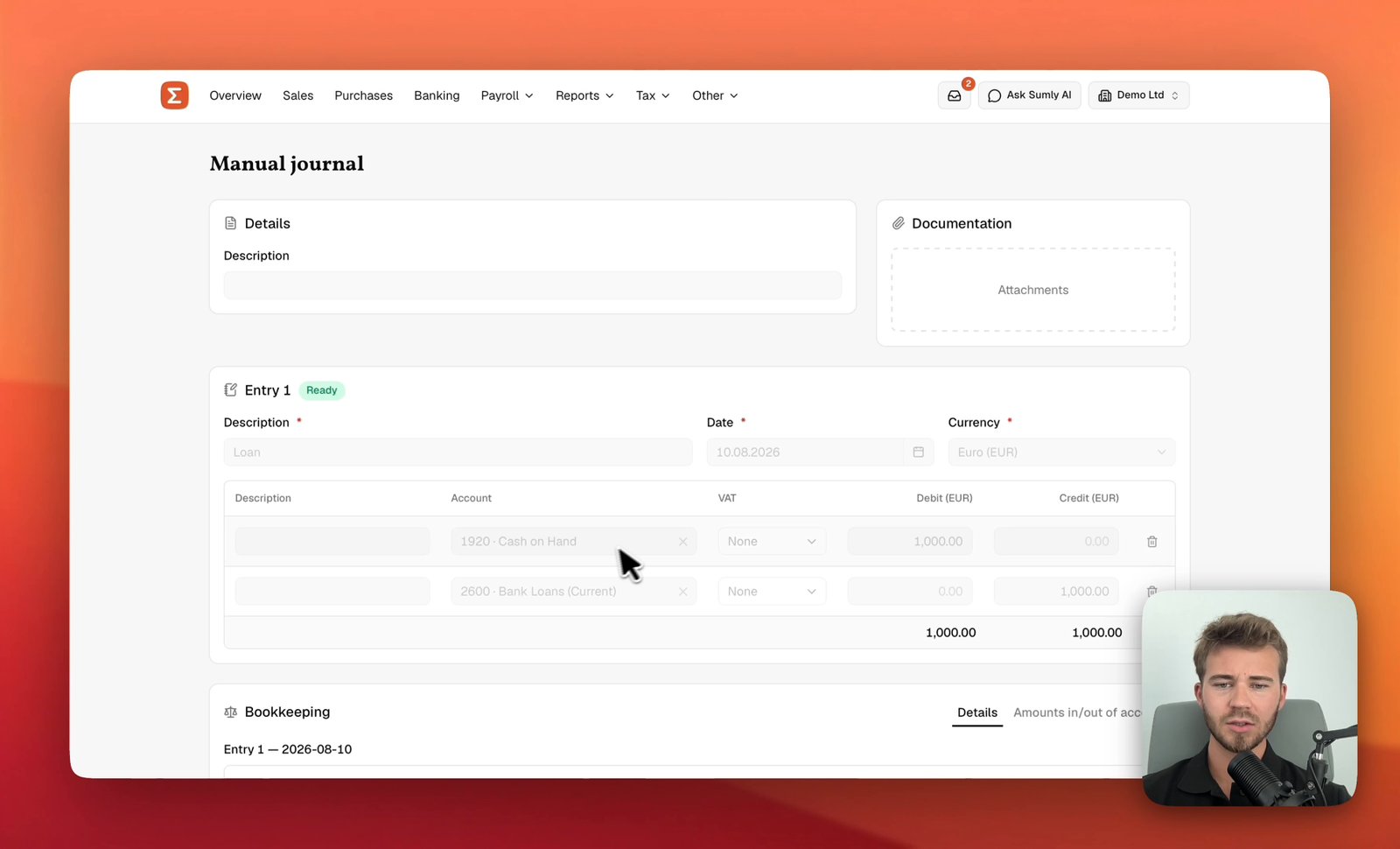 1:27
1:27- Bookkeeping
Post a manual journal
Build a balanced double-entry journal in Sumly, check it against the Bookkeeping preview and post it to the ledger, with the debits and credits explained.
Sumly team1:27 video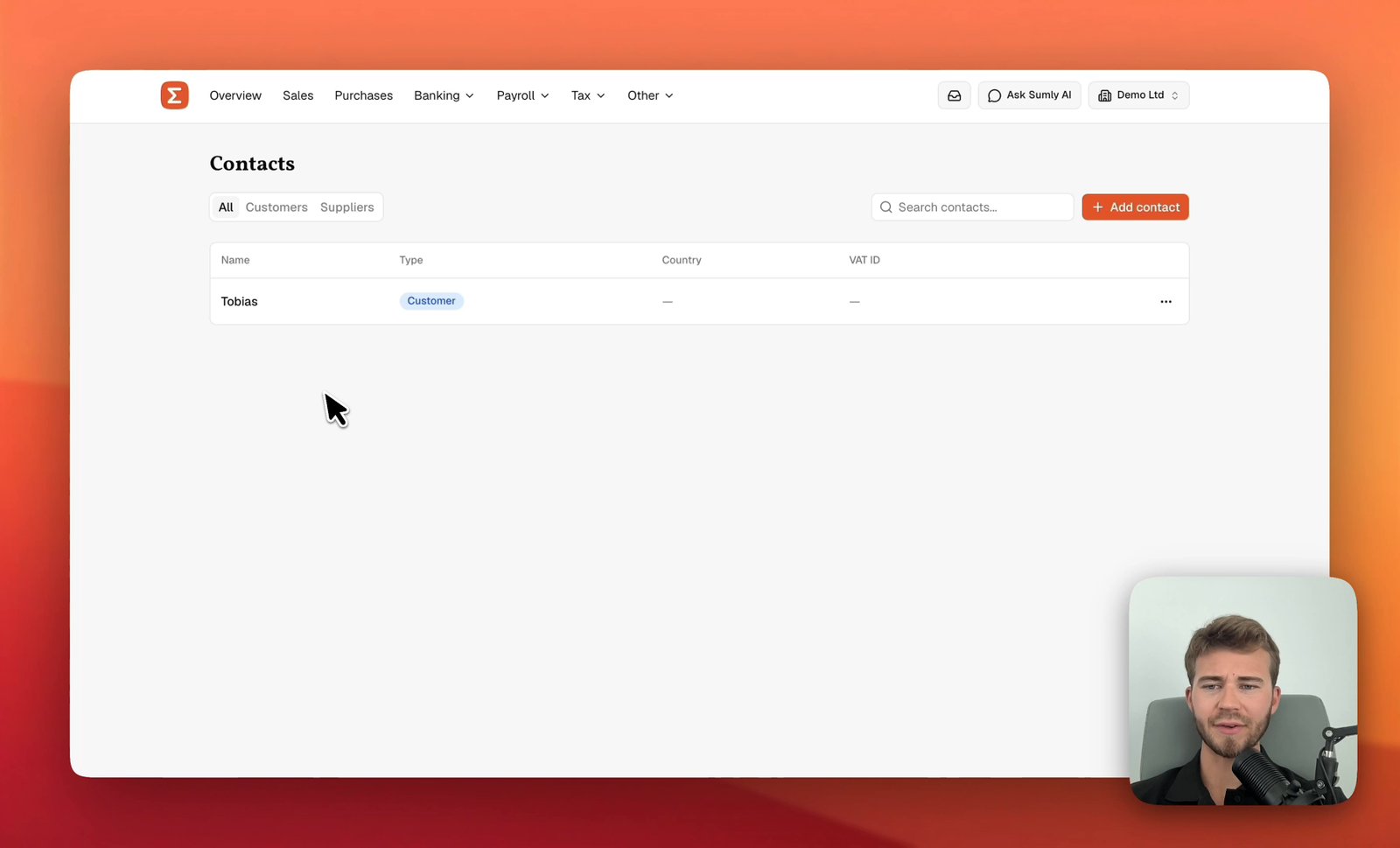 0:41
0:41- Setup
- Bookkeeping
Add a customer or supplier
Add a customer or supplier to Sumly's Contacts list, with its VAT ID, address and the defaults that carry onto its documents, then edit or archive it later.
Sumly team0:41 video
Ready when you are.
Start a new company, or bring the one you already have.